How AI Can Help Teachers Create Better Lesson Plans
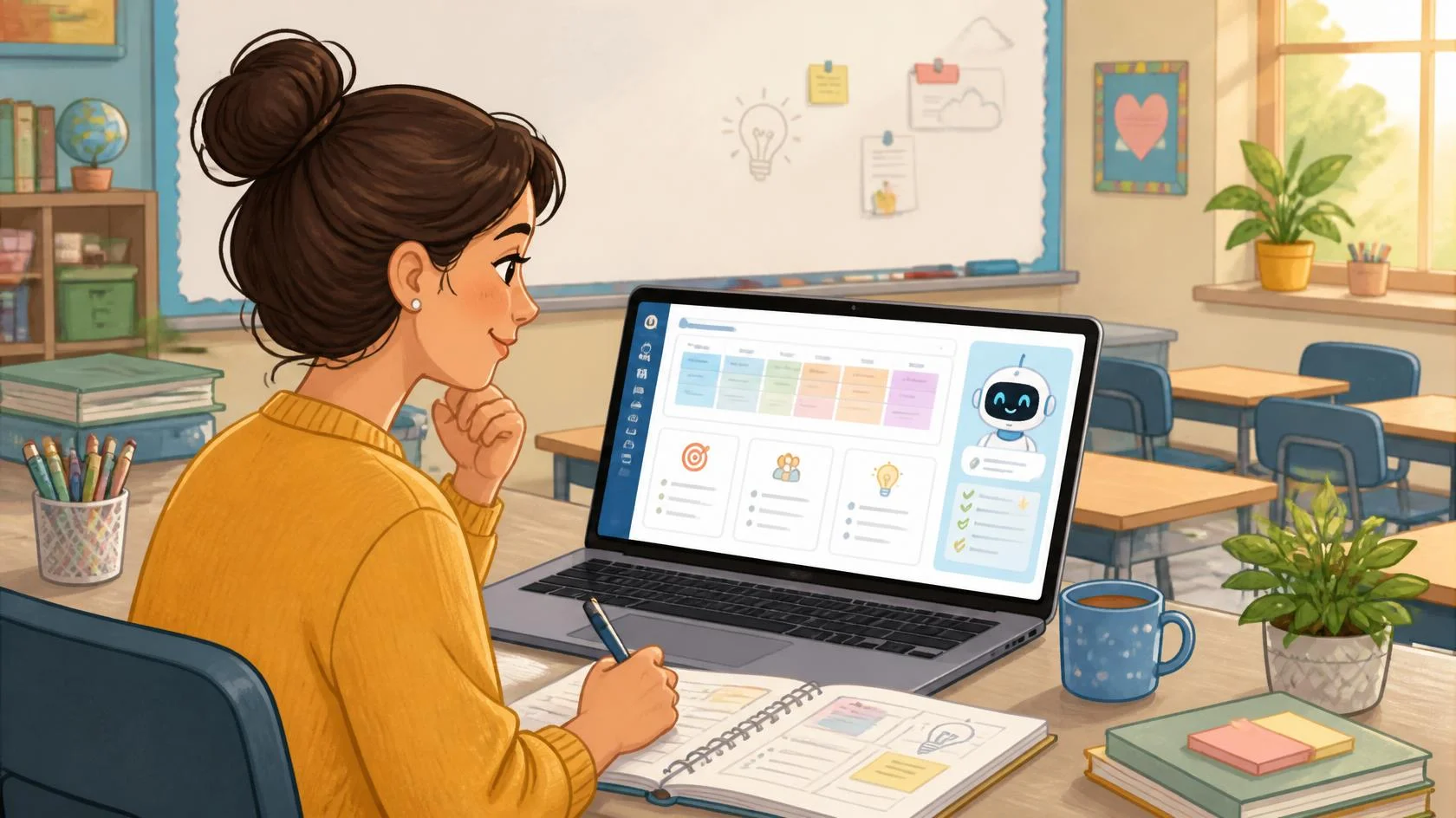
Introduction
Creating a good lesson plan takes more than choosing a topic. Teachers need to think about learning objectives, activities, explanations, questions, assessment, available time, and the different needs of students. Generative AI tools can help with some of this preparation. Google Classroom, for example, includes AI features that can outline lesson plans and generate learning objectives, while OpenAI provides educators with prompts specifically designed to help develop lesson plans. The important point is that AI should support the teacher—not become the teacher. A lesson still needs the educator’s knowledge of the curriculum, students, classroom, and local context.
Where AI Can Help in Lesson Planning
AI is most useful at the first-draft stage of lesson planning. Instead of beginning with a blank page, a teacher can provide the subject, grade level, learning goal, available class time, and student needs. The AI can then suggest a basic lesson structure that the teacher reviews and improves.
For example: “Create a 40-minute Grade 7 science lesson about photosynthesis. Include one learning objective, a short introduction, a simple classroom activity, three checking-for-understanding questions, and a five-minute closing activity.”
The result may not be ready to use immediately, but it can give the teacher a starting point.
What AI Can Prepare for a Lesson
A teacher can use AI for several individual parts of lesson planning rather than asking it to create everything at once.
Learning Objectives
A teacher can provide the topic and ask AI to suggest clear objectives.
For example:
“Write three simple learning objectives for a Grade 6 lesson on fractions.”
The teacher should then compare those objectives with the required curriculum.
For teachers in Nepal, official curriculum requirements and teaching materials should remain the primary reference. Nepal’s Curriculum Development Centre is responsible for school curricula, textbooks, teaching materials, and related student-assessment frameworks.
Lesson Openers
AI can suggest a question, short story, familiar situation, or activity to introduce a topic. For a lesson about percentages, for example, a teacher could ask for an opening activity based on calculating discounts while shopping.
Classroom Activities
AI can brainstorm individual, pair, or group activities based on a lesson objective.
A teacher might ask:
“Suggest three simple group activities for teaching the water cycle without requiring computers.”
Adding details such as available materials is important, especially in classrooms where technology or resources may be limited.
Questions and Quick Assessments
AI can create:
- Discussion questions
- Multiple-choice questions
- Short-answer questions
- Exit-ticket questions
- Revision questions
- Simple quiz drafts
These questions still need to be checked for accuracy, difficulty, and alignment with what was actually taught. Google’s current Gemini tools in Classroom include support for lesson-plan outlines, project ideas, lesson hooks, and strategies for addressing common student misconceptions. Google also advises teachers to check and refine generated content before giving it to students.
A Simple AI-Assisted Lesson Planning Process
Teachers do not need a complicated system to start.
A practical process is:
- Start with the curriculum.
Identify the topic, required learning outcome, textbook content, or curriculum objective before opening an AI tool. - Give AI enough context.
Include the grade, subject, lesson duration, learning objective, previous knowledge, and available classroom resources. - Ask for one structured draft.
Request the lesson opening, explanation, activity, questions, and closing in a clear format. - Review the content carefully.
Check facts, examples, instructions, difficulty level, and whether the lesson actually supports the intended learning objective. - Adapt it to your students.
Change examples, language, activities, and timing based on your classroom.
A useful prompt could be:
“Help me plan a 45-minute Grade 8 lesson on [topic]. Students already know [previous knowledge]. By the end of the lesson, they should be able to [learning objective]. I have a whiteboard and printed worksheets but no student computers. Create a simple lesson with an introduction, explanation, group activity, five questions, and a closing check for understanding.”
The more useful classroom context the teacher provides, the more relevant the first draft is likely to be.
AI Tools Teachers Can Explore
ChatGPT
Teachers can use ChatGPT to brainstorm lesson structures, activities, explanations, questions, and instructional materials. OpenAI provides official examples specifically showing educators how to use ChatGPT as a starting point for lesson planning.
Gemini
Gemini can help teachers brainstorm, draft, summarize, and create educational content. Google also provides Gemini features directly in Google Classroom for eligible education accounts, including lesson-plan outlining and activity development.
Conclusion
AI can make lesson planning easier by helping teachers move from a blank page to a useful first draft. It can suggest objectives, explanations, activities, questions, assessments, and alternative teaching ideas. The strongest approach is simple: start with the curriculum, use AI to assist with preparation, then let the teacher review and adapt the lesson for the actual students in the classroom. AI can accelerate planning. Educational judgment remains the teacher’s responsibility.
Related Sources
- [PDF] https://files.eric.ed.gov/fulltext/EJ1475735.pdf
- https://schoolai.com/blog/ai-lesson-planning-guide-teachers (schoolai.com)
- https://www.theschoolhouse.org/post/teachers-ai-lesson-planning (theschoolhouse.org)
- https://www.unesco.org/en/articles/ai-competency-framework-teachers (UNESCO)
Frequently Asked Questions
Can AI create a complete lesson plan?
Yes, generative AI can draft a full lesson structure when given information such as the subject, grade, learning objective, duration, and student needs. However, the teacher should verify and adapt the output before using it in class.
What information should I give AI when creating a lesson plan?
Include the grade level, subject, topic, lesson duration, learning objective, students’ previous knowledge, available resources, and any important classroom needs. More specific context usually makes the draft more useful.
Can AI create quizzes and classroom activities too?
Yes. Current education-focused AI tools can help draft questions, lesson activities, projects, lesson hooks, and other classroom materials. These should still be checked for accuracy and appropriate difficulty.